6 posts tagged with "Security"

Articles about application security practices and implementation

View All Tags

Firebase AI Logic vs OpenAI Backend for React Native AI Apps

· 7 min read
Full Stack Developer
Last updated on June 22, 2026

React Native teams now have two practical ways to add serious AI features to a mobile app:

  • call Gemini models through Firebase AI Logic from a Firebase-aware app;
  • keep AI orchestration on your own backend and call OpenAI from the server.

Both approaches can be correct. The wrong choice is usually the one that ignores secrets, user identity, App Store release cycles, cost controls, and how quickly your AI product will evolve.
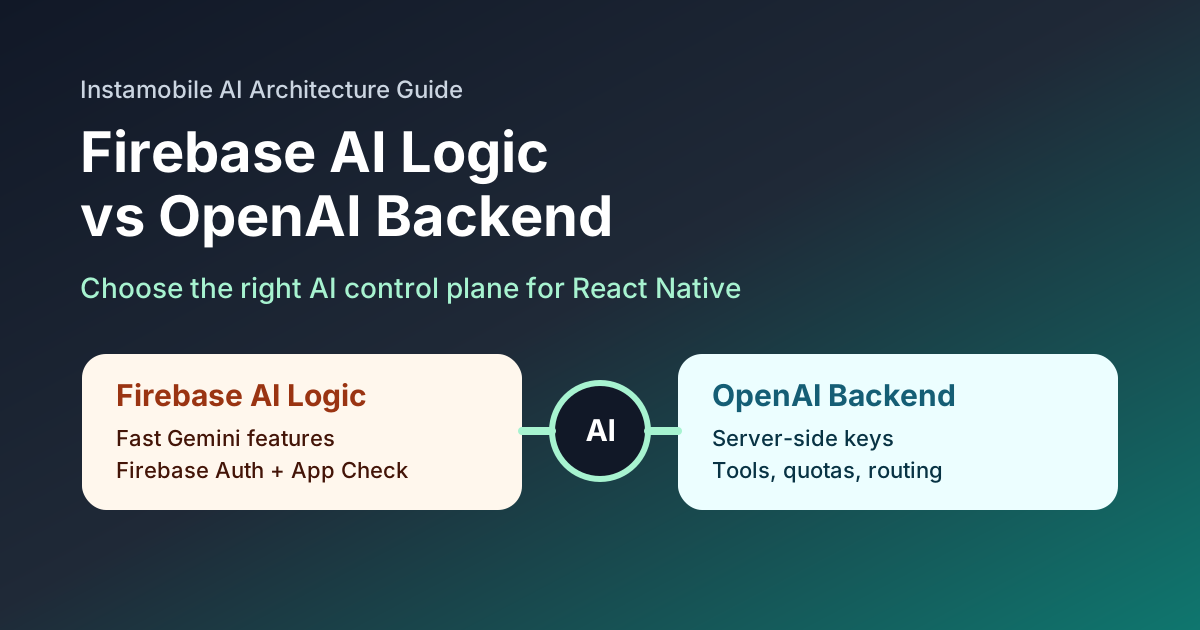
Comparison of Firebase AI Logic and OpenAI backend architecture for React Native

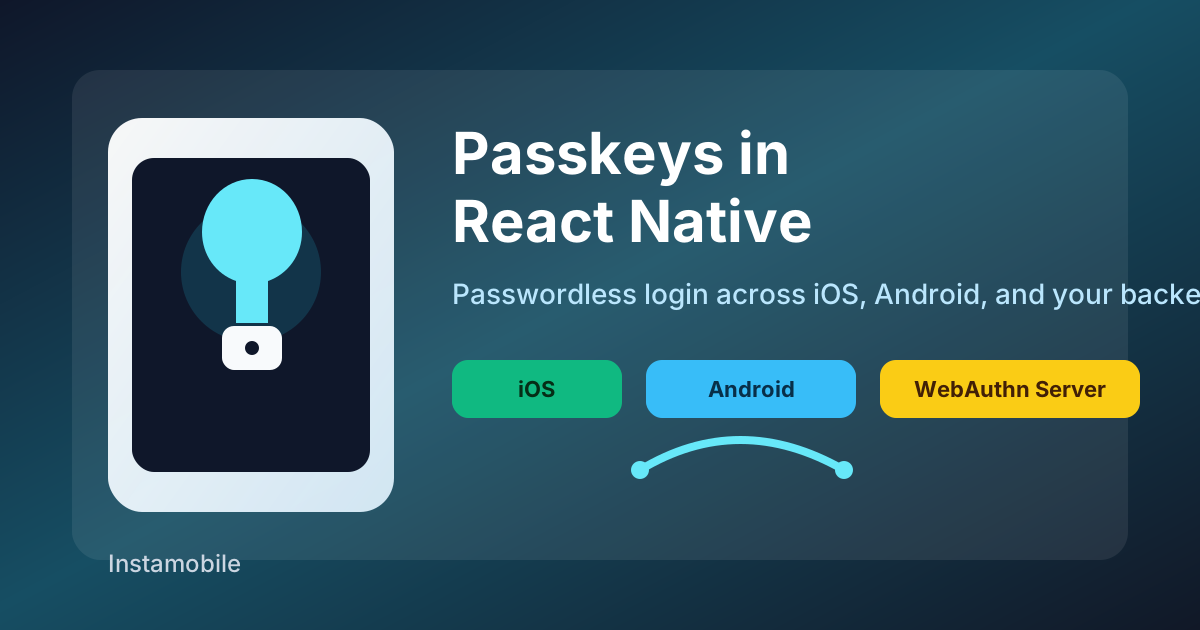
Passkeys in React Native: Passwordless Login on iOS and Android

· 6 min read
Full Stack Developer
Last updated on June 22, 2026

Passkeys are becoming the default answer to a long-standing mobile product problem: users dislike passwords, password reset flows are expensive, and weak credentials create security risk that your app has to absorb later.

For React Native teams, passkeys are not just a new login button. A production implementation touches native platform APIs, your backend authentication model, domain association files, account recovery, QA devices, and store release testing.

Passkey authentication architecture for React Native apps

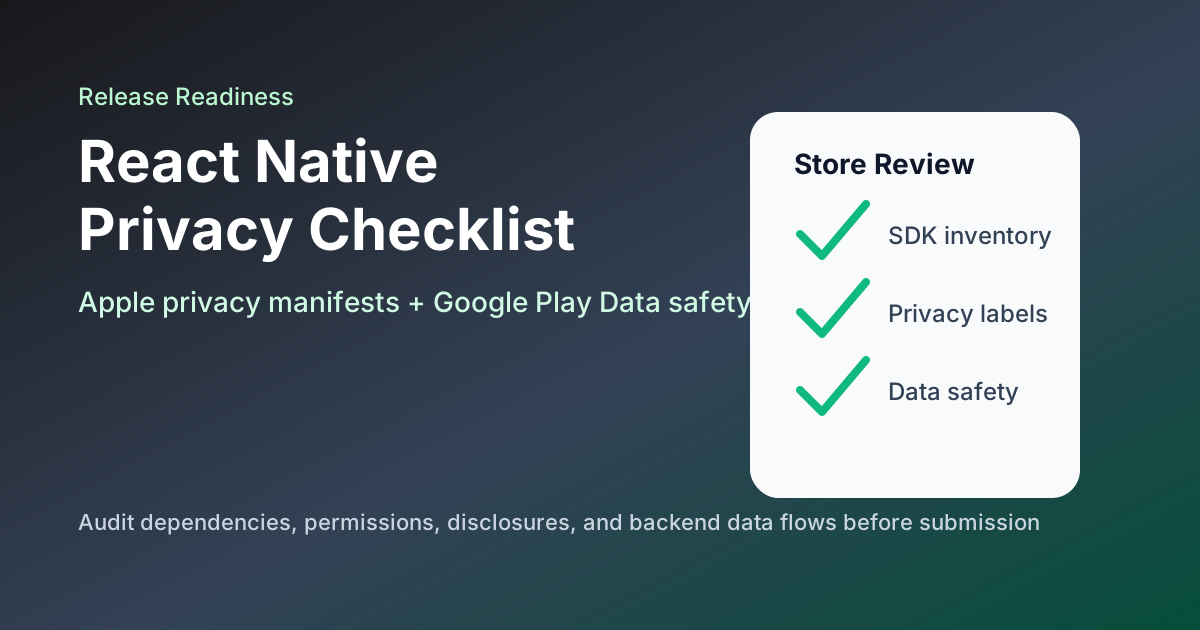
React Native App Store Privacy Checklist 2026: Apple and Google Play

· 6 min read
Full Stack Developer
Last updated on June 22, 2026

Privacy review is now part of mobile engineering, not just legal paperwork. React Native apps ship with native SDKs, analytics tools, crash reporters, payment providers, push notification services, authentication providers, and backend integrations. Every one of those can affect what you must disclose to Apple and Google Play.

React Native app store privacy checklist for Apple and Google Play

What LiteLLM Means for React Native App Teams

· 7 min read
Full Stack Developer
Last updated on March 25, 2026

According to the official LiteLLM docs, LiteLLM can act as a Python SDK or as a proxy server that exposes 100+ models through an OpenAI-compatible format. The same docs highlight routing and fallbacks, spend tracking, budgets, virtual keys, logging, and rate limiting. That is exactly why tools like LiteLLM are showing up in more production stacks for AI chat, search, recommendations, and assistant features.

For React Native teams, that also means an AI gateway is no longer just backend plumbing. It is part of your release architecture. If the gateway is exposed, misconfigured, or compromised, your app can leak provider access, burn through budget, or break a core feature without a new binary release ever going through the App Store or Play Store.

LiteLLM and React Native AI app architecture

Zero-Trust Security in Mobile Apps: A 2026 Implementation Guide for Fintech and E-commerce

· 5 min read
Full Stack Developer
Last updated on February 14, 2026

Zero-Trust Security in Mobile Apps cover

In an era of AI-assisted fraud and automated attack tooling, the old "password + perimeter" model is no longer enough.

The zero-trust principle is simple and brutal: never trust, always verify. NIST defines zero trust as an architecture where no implicit trust is granted based on network location or asset ownership, and where authentication and authorization are continuously enforced for users and devices.

For fintech and e-commerce, this is not a nice-to-have feature. Security decisions directly affect conversion, retention, and brand trust.

The good news: you do not need to build it all from scratch. Instamobile full-stack templates already embed practical zero-trust building blocks, especially through Firebase Auth, Firestore rules, and Cloud Functions.

React Native Biometrics With Expo LocalAuthentication

· 5 min read
Full Stack Developer
Last updated on May 17, 2026

React Native Face ID Biometrics Auth

Biometric authentication can make a React Native app feel faster and safer, but it should be designed as a local unlock step, not as a replacement for your account system. The device verifies the enrolled fingerprint or face; your app decides what to unlock after that verification succeeds.

Expo's expo-local-authentication package gives React Native apps access to Face ID, Touch ID, Android Biometric Prompt, and device passcode fallback.