Expo Router API Routes and EAS Hosting: A Backend for React Native Apps
Expo Router API routes give React Native teams a practical middle ground between "everything is client-side" and "we need a separate backend project before we can ship." With EAS Hosting, those routes can be deployed alongside an Expo Router web app and used for server-side work such as secrets, validation, webhooks, AI calls, and small backend endpoints.
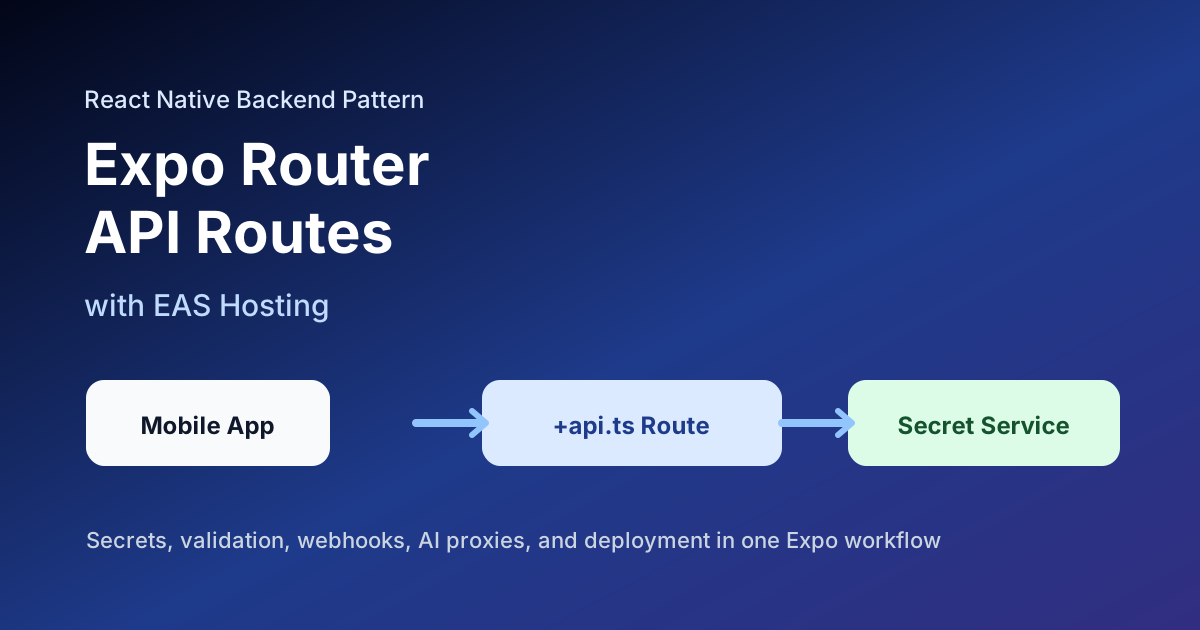
Expo's docs describe API routes as a way to handle requests, return JSON, and stream data from an Expo Router app. The same docs point to EAS Hosting as the deployment path for Expo API routes and servers.
That matters for product teams because many mobile features need just enough backend logic to stay safe.
When API Routes Are a Good Fit
Use Expo Router API routes when you need:
- server-side secrets;
- third-party API proxies;
- OpenAI, Stripe, or analytics calls that need private keys;
- lightweight database reads or writes through server credentials;
- server-side validation before writing app data;
- webhook receivers;
- feature flags or configuration endpoints;
- small AI helper endpoints.
The rule is simple: if the logic needs a secret or a trust decision, it does not belong in the React Native bundle.
When API Routes Are Not Enough
Do not force every backend problem into API routes.
Use a dedicated backend or managed service when you need:
- long-running jobs;
- heavy media processing;
- persistent WebSocket connections;
- complex queue workers;
- high-volume database workloads;
- advanced background scheduling;
- direct-to-storage upload flows at scale.
For example, a food delivery app might use API routes for coupon validation and Stripe webhook handling, but use Firebase, Supabase, or a dedicated service for real-time order state.
File Structure
Expo Router API routes live in the app directory and use the +api.ts suffix.
app/
  api/
    health+api.ts
    ai/
      reply+api.ts
    users/
      [id]+api.ts
A basic endpoint looks like this:
// app/api/health+api.ts
export function GET() {
  return Response.json({
    ok: true,
    service: 'instamobile-api',
  });
}
For a mobile app, the important habit is to keep endpoints focused. One route should do one job clearly.
Example: AI Proxy Route
AI features are a strong use case because provider keys must stay server-side.
// app/api/ai/reply+api.ts
export async function POST(request: Request) {
  const auth = request.headers.get('Authorization');

  if (!auth) {
    return Response.json({ error: 'Unauthorized' }, { status: 401 });
  }

  const body = await request.json();

  if (typeof body.message !== 'string' || body.message.length > 4000) {
    return Response.json({ error: 'Invalid message' }, { status: 400 });
  }

  const aiResponse = await fetch('https://api.example-ai.com/v1/reply', {
    method: 'POST',
    headers: {
      'Content-Type': 'application/json',
      Authorization: `Bearer ${process.env.AI_API_KEY}`,
    },
    body: JSON.stringify({
      message: body.message,
    }),
  });

  return Response.json(await aiResponse.json());
}
The React Native app calls your endpoint, not the provider directly.
await fetch(`${API_URL}/api/ai/reply`, {
  method: 'POST',
  headers: {
    'Content-Type': 'application/json',
    Authorization: `Bearer ${idToken}`,
  },
  body: JSON.stringify({ message }),
});
This gives you a place to add auth, rate limits, quotas, logging, and provider fallbacks without shipping a new binary.
Example: Webhook Endpoint
API routes can also receive webhooks from services such as Stripe, RevenueCat, GitHub, or internal automation systems.
// app/api/webhooks/revenue+api.ts
export async function POST(request: Request) {
  const signature = request.headers.get('x-webhook-signature');
  const rawBody = await request.text();

  if (!signature || !isValidSignature(rawBody, signature)) {
    return Response.json({ error: 'Invalid signature' }, { status: 401 });
  }

  await handleRevenueEvent(JSON.parse(rawBody));

  return Response.json({ received: true });
}
For real production code, use the signing scheme required by the provider and avoid parsing JSON before signature verification if the provider signs the raw payload.
Ship faster with All Access. Get the React Native templates, admin panels, updates, and launch bonuses that help you build faster.
Explore All AccessWhere This Fits in Instamobile Apps
Instamobile React Native templates often need a small backend layer even when Firebase, Supabase, or another managed backend owns the main data model.
Good API route candidates:
- AI chat completions for the AI Chat App Template;
- checkout or subscription webhooks for ecommerce apps;
- admin-only moderation actions for social networks;
- server-generated upload tokens for media-heavy apps;
- notification fanout triggers;
- configuration endpoints for app experiments.
API routes are especially useful when the product team wants one repo and one deployment workflow for the first version of the backend.
Deployment Notes
EAS Hosting is the natural deployment path for Expo Router API routes. Before deploying, verify:
- environment variables are configured for production;
- secrets are not committed to the repo;
- route handlers return proper status codes;
- large tasks are moved out of request/response handlers;
- logs do not contain access tokens, user secrets, or payment payloads;
- mobile builds point to the production API base URL.
For local testing, keep simple curl checks for each endpoint:
curl http://localhost:8081/api/health
Then add app-level tests for the screens that call those endpoints.
Practical Limits
API routes are backend code, but they are not a complete backend platform by themselves.
Plan early for:
- auth verification;
- database choice;
- request logging;
- error monitoring;
- rate limits;
- retries for third-party APIs;
- background work queues when tasks outgrow a single request.
That planning keeps your Expo backend from turning into a pile of unrelated handlers.
Useful Official References
- Expo Router API routes
- EAS Hosting introduction
- EAS Hosting API routes
- Expo Application Services overview
Final Thoughts
Expo Router API routes are not a replacement for every backend. They are a fast, practical way to add trusted server logic to a React Native product without splitting the team across another backend repo too early.
Use them for secrets, validation, webhooks, and focused server-side features. Move heavy workloads to dedicated services as the product grows. That gives your React Native app a clean backend path from MVP to production.
Looking for a custom mobile application?
Our team of expert mobile developers can help you build a custom mobile app that meets your specific needs.
Get in Touch