Firebase AI Logic vs OpenAI Backend for React Native AI Apps
React Native teams now have two practical ways to add serious AI features to a mobile app:
- call Gemini models through Firebase AI Logic from a Firebase-aware app;
- keep AI orchestration on your own backend and call OpenAI from the server.
Both approaches can be correct. The wrong choice is usually the one that ignores secrets, user identity, App Store release cycles, cost controls, and how quickly your AI product will evolve.
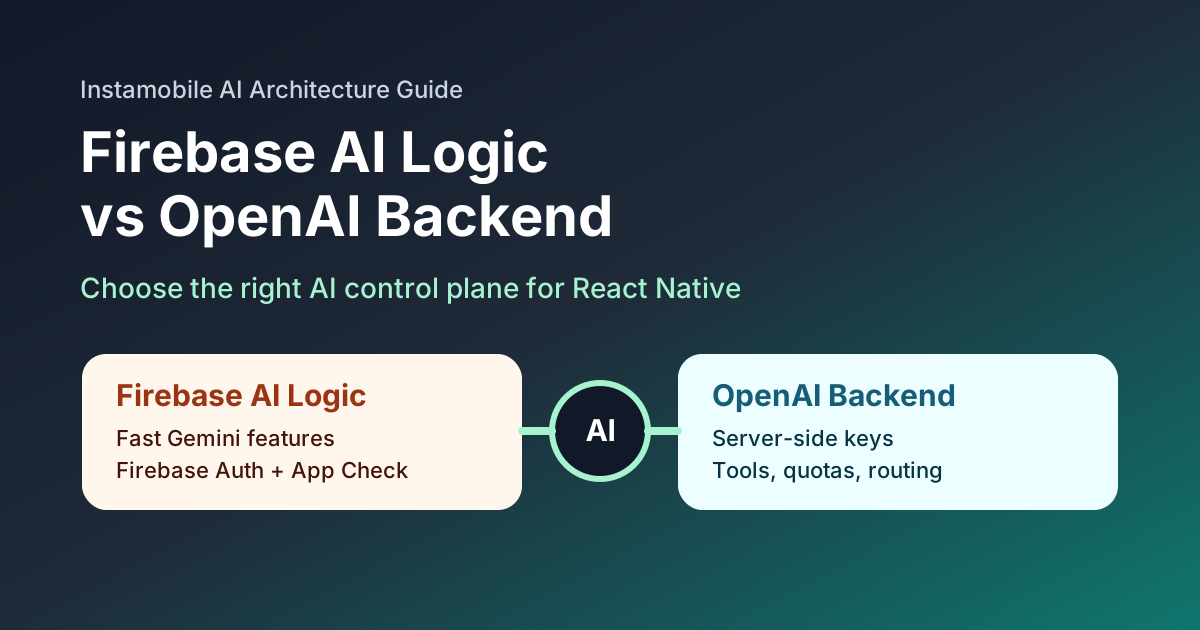
Firebase describes Firebase AI Logic as client SDKs, a proxy service, and other features that let mobile and web apps access Google's generative AI models. OpenAI's current API guidance recommends the Responses API for new projects and explicitly warns that API keys must not be exposed in client-side code such as apps.
That gives us a clean decision frame.
Quick Decision Table
| Use case | Better starting point |
|---|---|
| Firebase app that needs quick Gemini-powered UX | Firebase AI Logic |
| AI chat, support, search, or image understanding with Firebase Auth and App Check | Firebase AI Logic |
| Custom model routing, multiple providers, advanced tools, or agent workflows | OpenAI backend |
| Strict control over prompts, budgets, entitlements, and audit logs | OpenAI backend |
| Product may use both Gemini and OpenAI over time | Backend abstraction with both |
| Prototype that must ship this week | Firebase AI Logic if Firebase is already installed |
| Paid AI feature with quotas and subscription checks | Backend-controlled OpenAI or hybrid |
What Firebase AI Logic Is Good At
Firebase AI Logic is attractive when your React Native app already uses Firebase Authentication, Firestore, Storage, Functions, App Check, or Remote Config.
It can be a strong fit for:
- AI-powered onboarding;
- profile summaries;
- product descriptions;
- smart search over app-owned data;
- image or text helper features;
- safe experiments that should not require backend scaffolding first.
The main advantage is product speed. If your app is already Firebase-first, AI Logic keeps the AI feature close to the rest of your mobile stack.
That does not mean you should skip product controls. Even with a Firebase-native flow, define:
- which users can call the feature;
- which screens can trigger AI generation;
- rate limits or usage budgets;
- fallback UI when the model is unavailable;
- logging rules that avoid storing sensitive user input unnecessarily.
What an OpenAI Backend Is Good At
An OpenAI backend is the right default when the AI feature is a core product surface rather than a small helper.
OpenAI's Responses API is designed for text, structured output, tools, multimodal workflows, and agent-like applications. That makes a backend approach useful when you need:
- server-side API key protection;
- prompt and model versioning;
- subscription and entitlement checks before each request;
- model routing by feature;
- structured outputs that feed app state;
- function calling or tool use;
- observability, request IDs, and cost analytics;
- a provider abstraction that can change without a new mobile release.
The mobile app should call your own API, not OpenAI directly.
const response = await fetch(`${API_URL}/ai/assistant`, {
  method: 'POST',
  headers: {
    'Content-Type': 'application/json',
    Authorization: `Bearer ${idToken}`,
  },
  body: JSON.stringify({
    feature: 'shopping_assistant',
    input: userMessage,
  }),
});
On the server, keep the OpenAI key in an environment variable or secret manager.
import OpenAI from 'openai';

const openai = new OpenAI({
  apiKey: process.env.OPENAI_API_KEY,
});

export async function createAssistantReply(user, input) {
  if (!user.entitlements.aiAssistant) {
    throw new Error('AI assistant is not enabled for this user');
  }

  const response = await openai.responses.create({
    model: 'gpt-5.4-mini',
    instructions: 'Answer as a concise mobile shopping assistant.',
    input,
    store: false,
  });

  return response.output_text;
}
The exact model can change as your cost, quality, and latency needs change. The important point is that the decision stays on the server.
The Hybrid Architecture
Many production apps should use both patterns:
- Firebase AI Logic for Firebase-native features close to user data and App Check;
- OpenAI backend endpoints for higher-control workflows, tools, paid usage, and multi-provider routing.
Hybrid does not mean messy. Keep the mobile interface stable:
await aiClient.run({
  feature: 'caption_generator',
  payload: { imagePath },
});
Then decide server-side or config-side whether that feature runs through Firebase AI Logic, OpenAI, or another provider.
Security Rules for Mobile AI
Regardless of provider, use these rules:
- never ship provider API keys in the React Native bundle;
- authenticate users before paid or sensitive AI calls;
- validate request size and content type;
- cap usage per user, device, and feature;
- keep model names and provider routing server-controlled;
- log request IDs and feature names, not raw sensitive content by default;
- add a kill switch for every AI feature.
OpenAI's API reference is explicit that API keys are secrets and should not be exposed in apps. That single rule should shape the architecture.
Ship faster with All Access. Get the React Native templates, admin panels, updates, and launch bonuses that help you build faster.
Explore All AccessWhere Instamobile Templates Help
Instamobile's React Native templates give you the product surface that AI features need:
- chat UI for assistant products;
- social and creator flows for AI content tools;
- ecommerce screens for shopping copilots;
- dashboards for admin and analytics workflows;
- Firebase-backed user and content patterns.
Good internal matches:
- AI Chat App Template
- React Native Ecommerce App Template
- React Native Social Network
- Short-Video App Template
Use templates to move faster on user experience, retention, and monetization. Keep AI orchestration modular so you can change providers without rewriting the app.
Recommended Starting Points
Choose Firebase AI Logic when:
- Firebase is already your backend;
- the feature is narrow and mobile-first;
- Gemini models satisfy the product need;
- you want App Check and Firebase Auth alignment from day one.
Choose an OpenAI backend when:
- AI is central to the product;
- you need tool use, structured outputs, or agents;
- you need detailed cost and entitlement control;
- you expect to add provider routing later.
Choose hybrid when:
- different features have different model needs;
- your app already has Firebase but your AI roadmap is broader;
- you want a fast first release without blocking future architecture.
Useful Official References
- Firebase AI Logic documentation
- Firebase AI Logic product page
- Firebase AI Logic Cloud Next 2026 update
- OpenAI API overview
- OpenAI Responses API migration guide
- OpenAI API authentication reference
Final Thoughts
Firebase AI Logic is the fastest path when your AI feature belongs inside a Firebase-first mobile product. An OpenAI backend is the stronger default when AI is a paid, strategic, or highly controlled product surface.
For most serious React Native apps, the best long-term move is a thin AI abstraction in the app and provider-specific decisions outside the app. That keeps your mobile release cycle clean while your AI product keeps evolving.
Looking for a custom mobile application?
Our team of expert mobile developers can help you build a custom mobile app that meets your specific needs.
Get in Touch