101 posts tagged with "React Native"

Articles related to React Native

View All Tags

React Native AWS S3 Integration

· 9 min read
Full Stack Developer
Last updated on October 28, 2021

react-native-aws-s3-bucket

In this tutorial we will build a React Native app that allows users to upload images and videos from their camera and photo library directly into a AWS S3 bucket. As AWS is the leader of cloud providers, a huge part of the React Native ecosystem is using AWS as the backend for their app. With the release of AWS Amplify, using AWS as backend for a React Native app has never been easier to implement.
Walkthrough Screens in React Native

· 9 min read
Full Stack Developer
Last updated on October 10, 2021

Walkthrough React Native

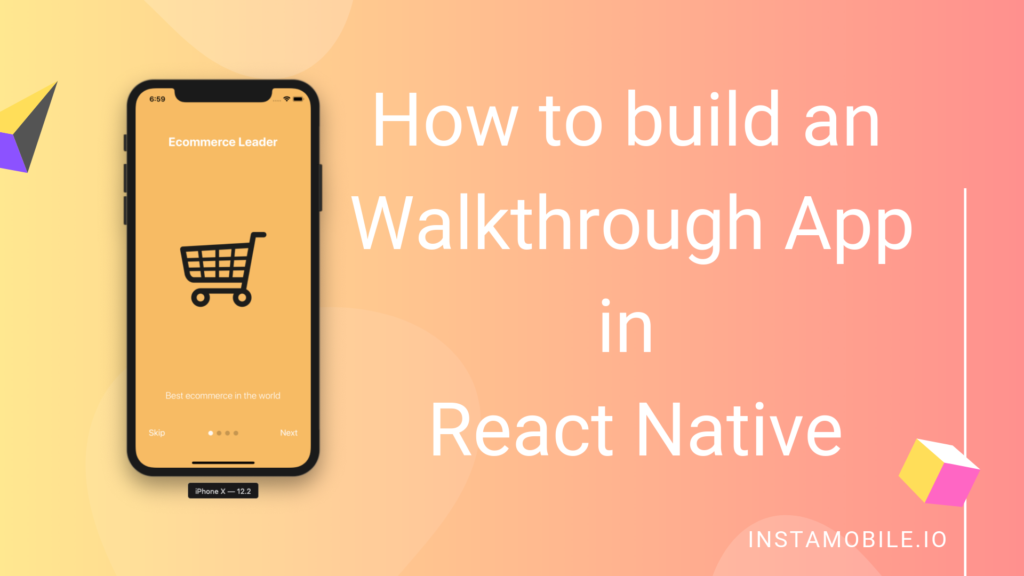
An App Walkthrough Screen is a slider screen which allows the user to learn everything about the features of a mobile app when they open the application for the first time. We can implement this feature in a React Native application in multiple ways. In this React Native tutorial, we describe how we implemented the Walkthrough Screens in all of our React Native Templates so that you can speed up your app development by reusing our open source code.

Optional Imports in React Native

· 5 min read
Full Stack Developer
Last updated on May 17, 2026

Optional imports are useful when a React Native app has platform-specific code, feature-gated screens, optional assets, or native modules that should only load in one environment. They are also easy to misuse. Metro still needs to know what files can be bundled, so arbitrary runtime strings are not a good import strategy.

optional imports

Push Notifications in React Native with Firebase

· 5 min read
Full Stack Developer
Last updated on May 18, 2026

push notifications react native firebase

Push notifications are one of the highest-leverage features in a React Native app, but they are also easy to get wrong. Firebase Cloud Messaging can deliver messages to Android and iOS, but iOS still depends on APNs, modern Android requires runtime notification permission, and every production app needs a trusted backend to send notifications.

This guide focuses on the current architecture: the mobile app requests permission and stores device tokens; Firebase owns delivery; your backend sends messages with Firebase Admin SDK or FCM HTTP v1.

Avoid Notch and Safe Area Issues in React Native

· 5 min read
Full Stack Developer
Last updated on May 17, 2026

Phones, tablets, and foldables have status bars, notches, camera cutouts, rounded corners, gesture home indicators, and navigation bars. A React Native screen that looks fine on one simulator can still hide content under system UI on another device.

The modern solution is react-native-safe-area-context. The older SafeAreaView exported from React Native core is deprecated and should not be the default choice for new work.

Instagram Photo Filters in React Native

· 5 min read
Full Stack Developer
Last updated on May 18, 2026

instagram photo filters

Instagram-style filters are a product feature, not just an image effect. A good React Native implementation lets users pick or capture a photo, preview filters quickly, export the selected result, upload it safely, and recover when a filter library or device GPU behaves differently across platforms.

Older tutorials often recommend a single native filter package as the default. For production apps, choose the filter stack deliberately and test maintenance, export behavior, Android/iOS parity, and upload integration before committing to it.

How to Clean a React Native Project Safely

· 6 min read
Full Stack Developer
Last updated on May 17, 2026

full clean react native project

React Native projects collect several kinds of local state while you work: Metro cache, Watchman watches, node_modules, CocoaPods, Gradle build output, and Xcode DerivedData. Cleaning all of them at once can fix some painful build issues, but it can also create new problems if you delete lockfiles or update native dependencies accidentally.

This guide shows a safer cleanup order. Start with the smallest cache reset that matches the symptom, then move down the checklist only if the problem remains.