21 posts tagged with "Best Practices"

Articles about development best practices

View All Tags

React Native Localization: A Complete Guide

· 5 min read
Full Stack Developer
Last updated on May 17, 2026

react native localization

Localization is more than translating strings. A production React Native app needs stable translation keys, locale detection, fallback behavior, date and number formatting, right-to-left layout checks, long-copy testing, and release verification on real screens.

This guide shows a modern localization setup using expo-localization and a small translation layer. If your Instamobile app already includes localization, follow its existing helper and use this article as the checklist for extending it safely.

React Native GraphQL with Apollo Client

· 11 min read
Full Stack Developer
Last updated on July 23, 2022

React Native GraphQL Apollo

Are you interested in building a React Native app that uses GraphQL API endpoints? Then you should read this tutorial. You are going to learn how to leverage Apollo to build a client-side GraphQL application with React Native and Expo. Apollo has an entire ecosystem to build GraphQL applications. You can use it to develop client-side and server-side apps separately. Apollo has more features and support than its open-source competitors in GraphQL for JavaScript world.

Building Offline-First React Native Apps

· 9 min read
Full Stack Developer
Last updated on February 20, 2022

The Async Storage is a simple key-value pair based storage system in React Native. It is used for scenarios where you want to save the user’s data on the device itself instead of using any cloud service, such as building offline apps. According to the React Native’s official documentation:

On iOS, AsyncStorage is backed by native code that stores small values in a serialized dictionary and larger values in separate files. On Android, AsyncStorage will use either RocksDB or SQLite based on what is available.

Implementing Dark Mode in React Native

· 8 min read
Full Stack Developer
Last updated on February 15, 2022

react native dark mode

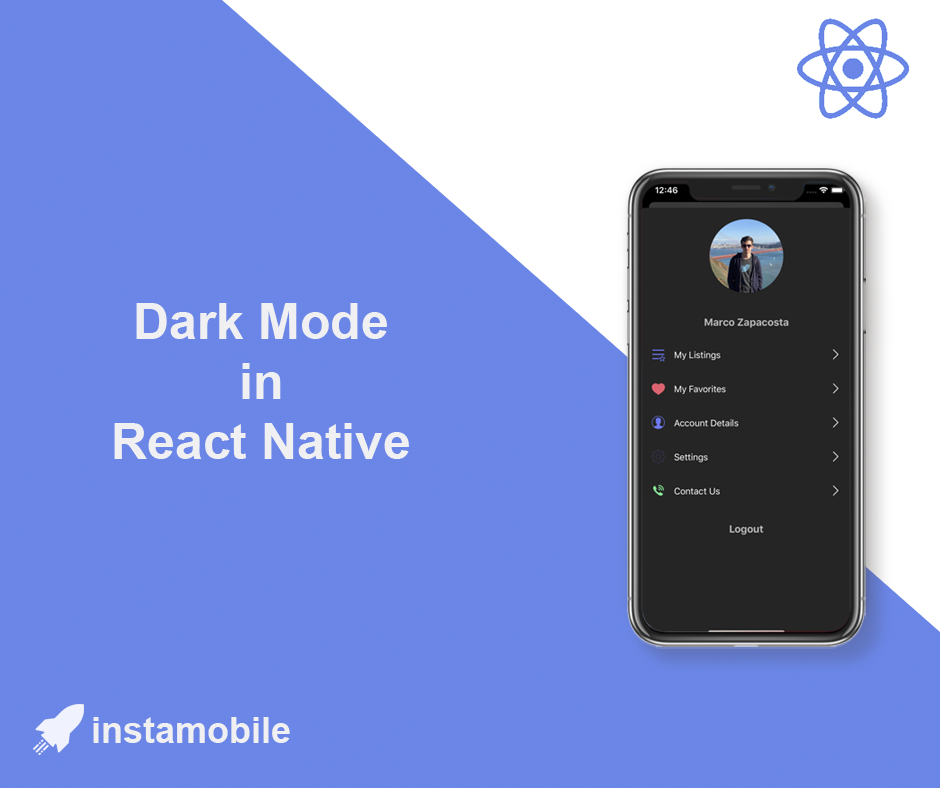
In this tutorial, we are taking a look at how to detect and support dark mode in React Native apps. You are going to build a small demo app that sets its appearance based on the platform OS. The platform OS will have two theme modes, dark or light. By default, when the app will start, it is going to have the theme based on the platform OS but the user is going have an option to toggle between the themes.

React Native Hooks: A Complete Guide

· 9 min read
Full Stack Developer
Last updated on February 4, 2022

react hooks

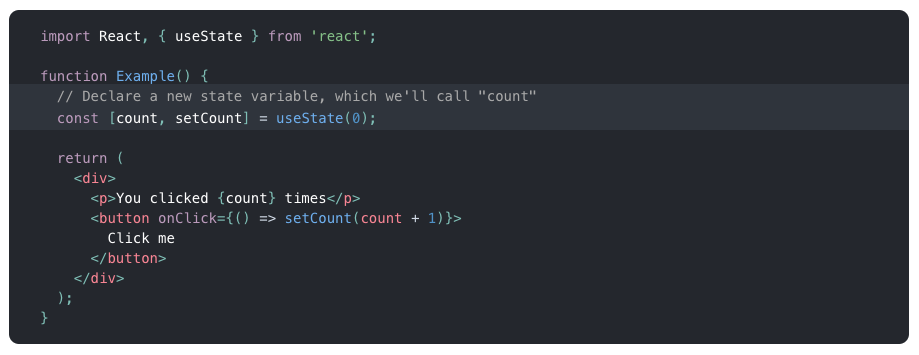
In this tutorial, we are going to give a quick introduction to React Native hooks. Hooks in React are available since the version 16.7.0-alpha. These functions allow us to use React state and a component’s lifecycle methods in a functional component. If you are familiar with React, you know that the functional component has been called as a functional stateless component. Not any more.

Optimize Onboarding Screens for Mobile Growth

· 7 min read
Full Stack Developer
Last updated on December 6, 2021

Entrepreneurs, designers, and developers tend to separate Growth aspects from the mobile app development process. They are usually perceived as completely different focus areas. After all, what does marketing have to do with app development, right? Because of this, many startups fall into the trap of building onboarding screens that are so beautiful it blows the user’s mind, but they are not optimized for Growth, hence don’t convert well.

Optional Imports in React Native

· 5 min read
Full Stack Developer
Last updated on May 17, 2026

Optional imports are useful when a React Native app has platform-specific code, feature-gated screens, optional assets, or native modules that should only load in one environment. They are also easy to misuse. Metro still needs to know what files can be bundled, so arbitrary runtime strings are not a good import strategy.

optional imports

Avoid Notch and Safe Area Issues in React Native

· 5 min read
Full Stack Developer
Last updated on May 17, 2026

Phones, tablets, and foldables have status bars, notches, camera cutouts, rounded corners, gesture home indicators, and navigation bars. A React Native screen that looks fine on one simulator can still hide content under system UI on another device.

The modern solution is react-native-safe-area-context. The older SafeAreaView exported from React Native core is deprecated and should not be the default choice for new work.

How to Clean a React Native Project Safely

· 6 min read
Full Stack Developer
Last updated on May 17, 2026

full clean react native project

React Native projects collect several kinds of local state while you work: Metro cache, Watchman watches, node_modules, CocoaPods, Gradle build output, and Xcode DerivedData. Cleaning all of them at once can fix some painful build issues, but it can also create new problems if you delete lockfiles or update native dependencies accidentally.

This guide shows a safer cleanup order. Start with the smallest cache reset that matches the symptom, then move down the checklist only if the problem remains.